ForemanFOREMAN
Messaging

Every project conversation, on the record, in one place

Talk to clients, subs, and your crew inside Foreman — tied to the project and the people it's about. No more digging through texts and email threads to find who said yes to what. The conversation lives next to the work.

RK
Riverside Kitchen Remodel
Project conversation · 4 participants
Sarah RiversideClient
Are we still on track for the cabinet install next week?
YouForeman
Yes — crew is confirmed for Tuesday. I’ll post photos once the uppers are set.
Mike (Tile Sub)Vendor
Grout color approved. Starting backsplash Wednesday.
Message the team…

On the record, not in a side channel

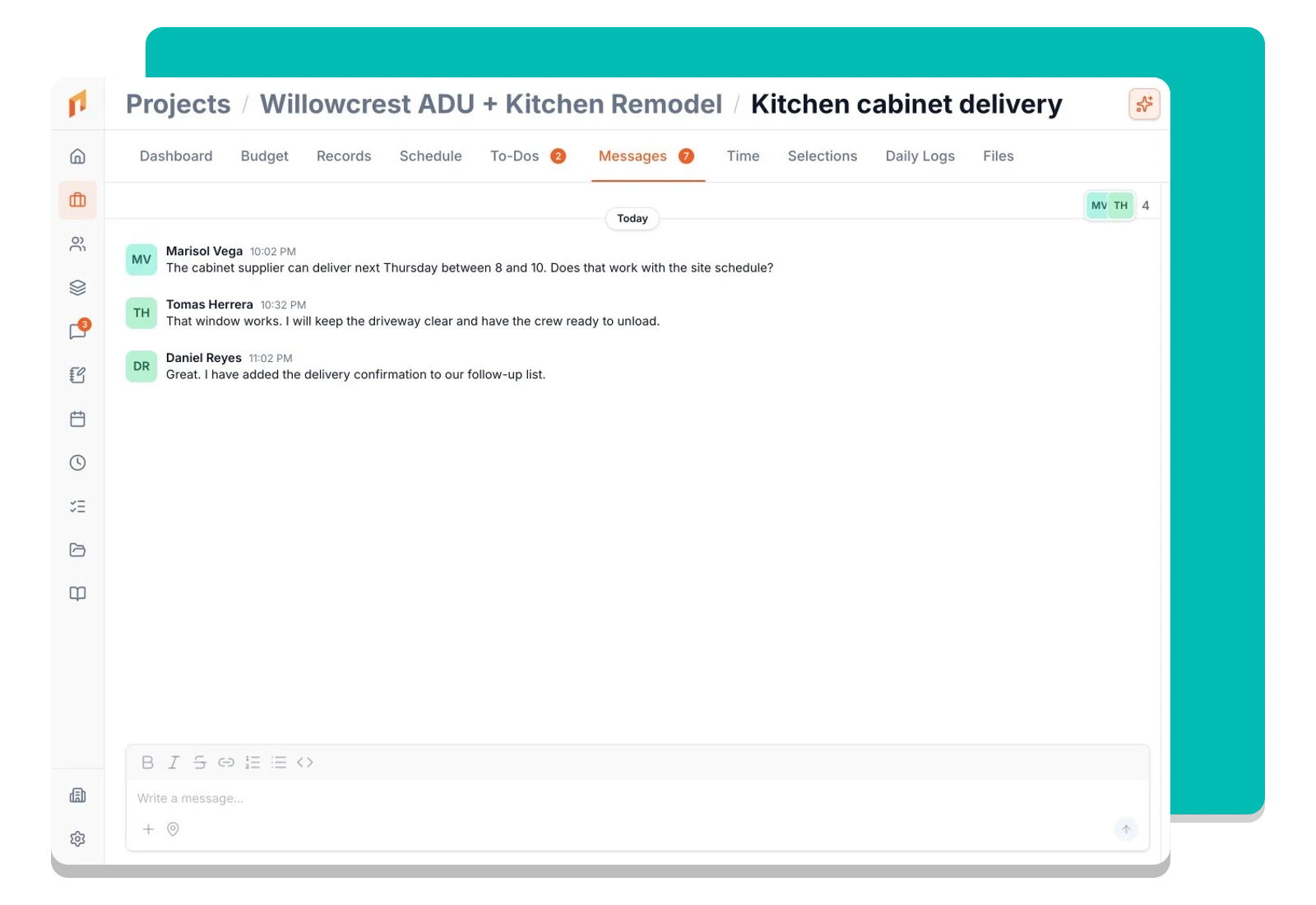
Conversations live inside Foreman, attached to the work they’re about. The decision and the project stay together — searchable later, not lost in a text thread.

Tied to your projects

A conversation belongs to a project, so anyone with access can see the full back-and-forth in context. New crew on the project? The history is already there.

Clients, subs, and crew — together

Built on Foreman’s contact-centric core, the same conversation can include internal team and external clients or vendors, each seeing exactly what they should.

One Place

The conversation lives next to the work

Instead of one chat app for the crew, texts to the client, and email to the subs, every message about a project happens in Foreman — anchored to that project and its contacts. When you open the project, the conversation is right there.

RK
Riverside Kitchen Remodel
Project conversation · 4 participants
Sarah RiversideClient
Are we still on track for the cabinet install next week?
YouForeman
Yes — crew is confirmed for Tuesday. I’ll post photos once the uppers are set.
Mike (Tile Sub)Vendor
Grout color approved. Starting backsplash Wednesday.
Message the team…
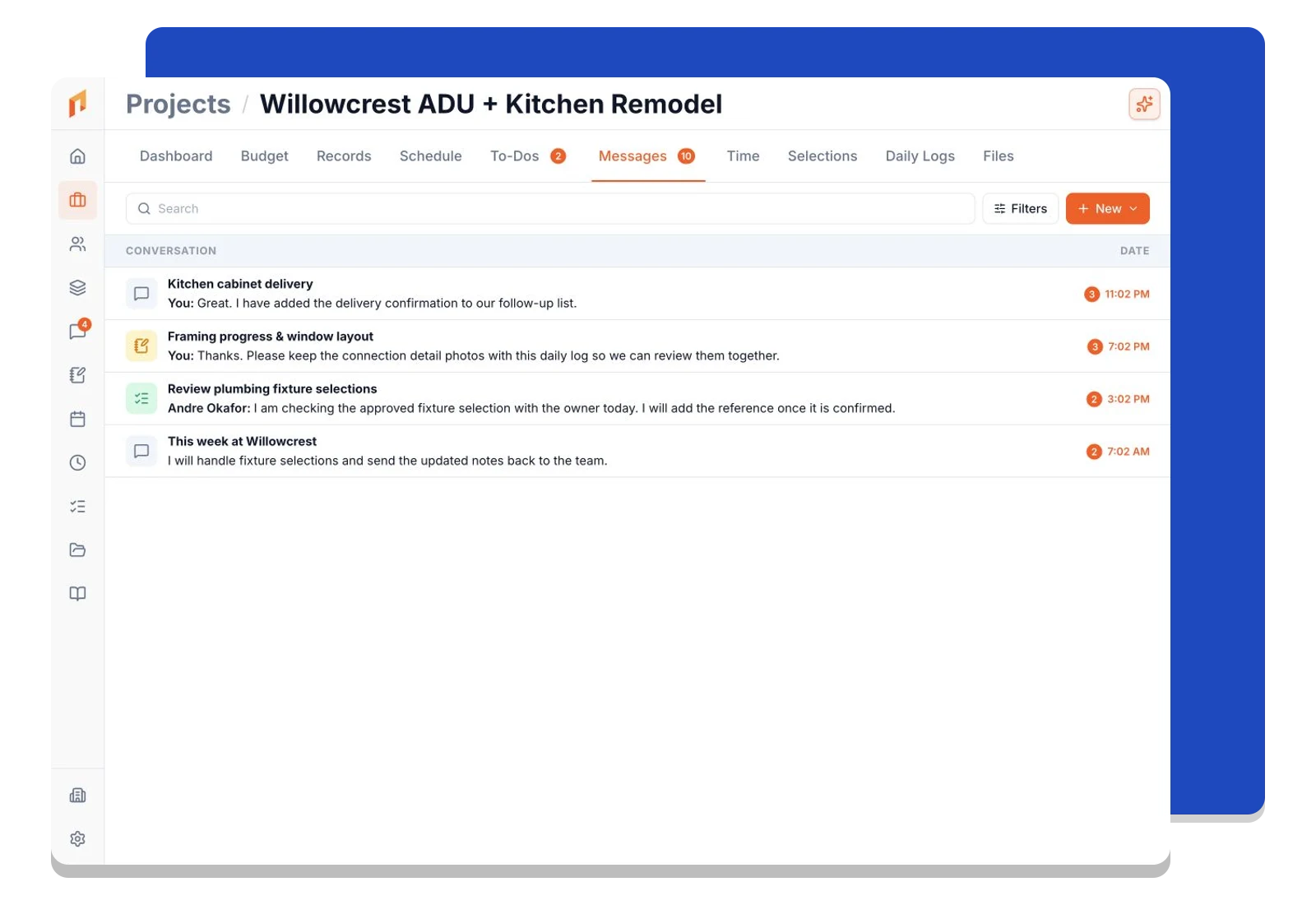
One Inbox

See every thread, sorted by what needs you

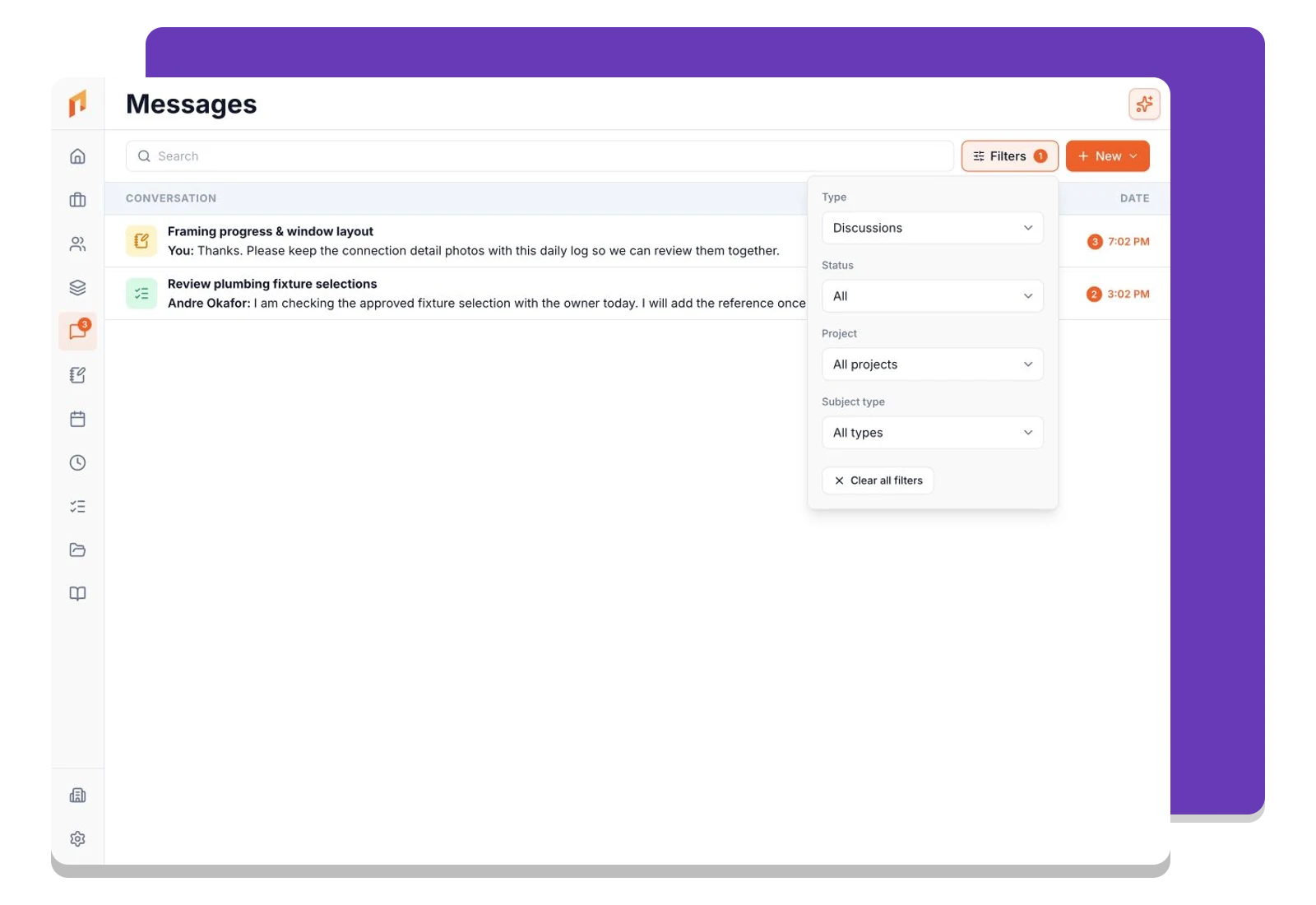
Your inbox lists conversations across all your projects with the people on them — unread badges show what’s waiting. Each row tells you the project it belongs to and who spoke last, so you know where to jump in without opening five tabs.

MessagesAll · Unread
Riverside Kitchen RemodelProject
Mike: Grout color approved. Starting…
3
Maple Ave AdditionDaily Log · Jun 24
You: Footings poured, inspection passed.
Change Order — CO-0007Record · Oakhurst Bath
Sarah: Approved, go ahead.
1
Liam HerreraAccount
Can you send the updated schedule?
Internal + External

Loop in clients and subs without leaving Foreman

Because contacts are the foundation of Foreman, a client or a subcontractor is the same kind of participant as your own team. Bring them into the conversation when it’s relevant, and keep the thread tied to the project everyone’s working on.

RK
Riverside Kitchen Remodel
Project conversation · 4 participants
Sarah RiversideClient
Are we still on track for the cabinet install next week?
YouForeman
Yes — crew is confirmed for Tuesday. I’ll post photos once the uppers are set.
Mike (Tile Sub)Vendor
Grout color approved. Starting backsplash Wednesday.
Message the team…

How it works

Three steps. That's it.

1

Open the project

Every project in Foreman has its own conversation. No setup, no separate workspace — it’s part of the project from day one.

2

Message the people on it

Post to your crew, your client, or a sub. They’re already contacts on the project, so the right people are part of the thread.

3

Find it later, in context

The whole back-and-forth stays attached to the project. Pull up the history anytime — it’s on the record, not buried in a phone.

Frequently asked questions

Ready to run your projects from bid to built?

Book a demo to see it on your projects — or start free, no credit card required.