

See your company and every project clearly
Bring project progress, financial totals, and work needing attention into one place. Start with Company, Financial, and Sales dashboards, then shape the view around the numbers your team uses.
Trusted by contractors across the country






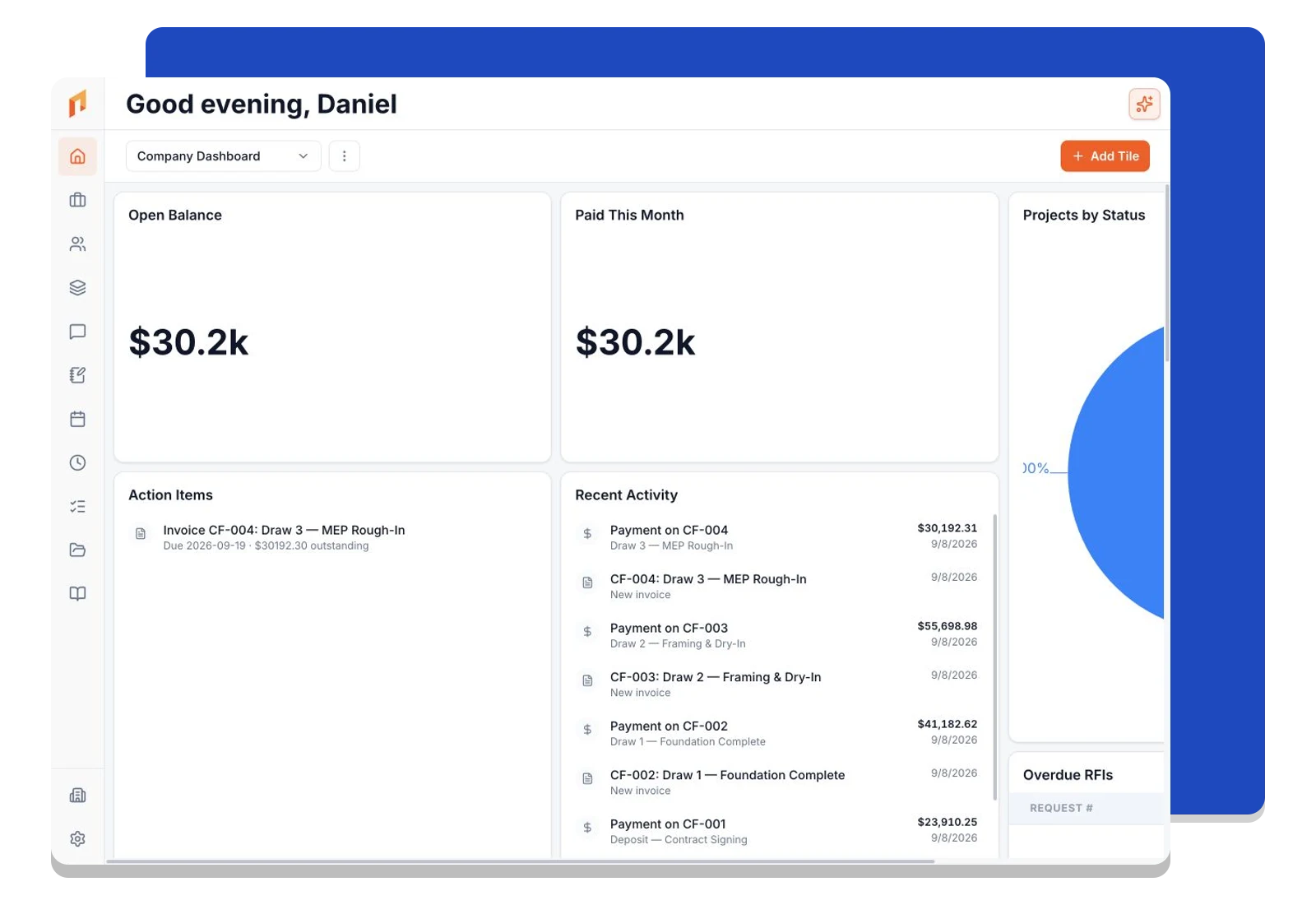
Start the day with the whole picture
See active projects, outstanding invoices, and recent activity together. Company dashboards bring information across your projects into a single view.
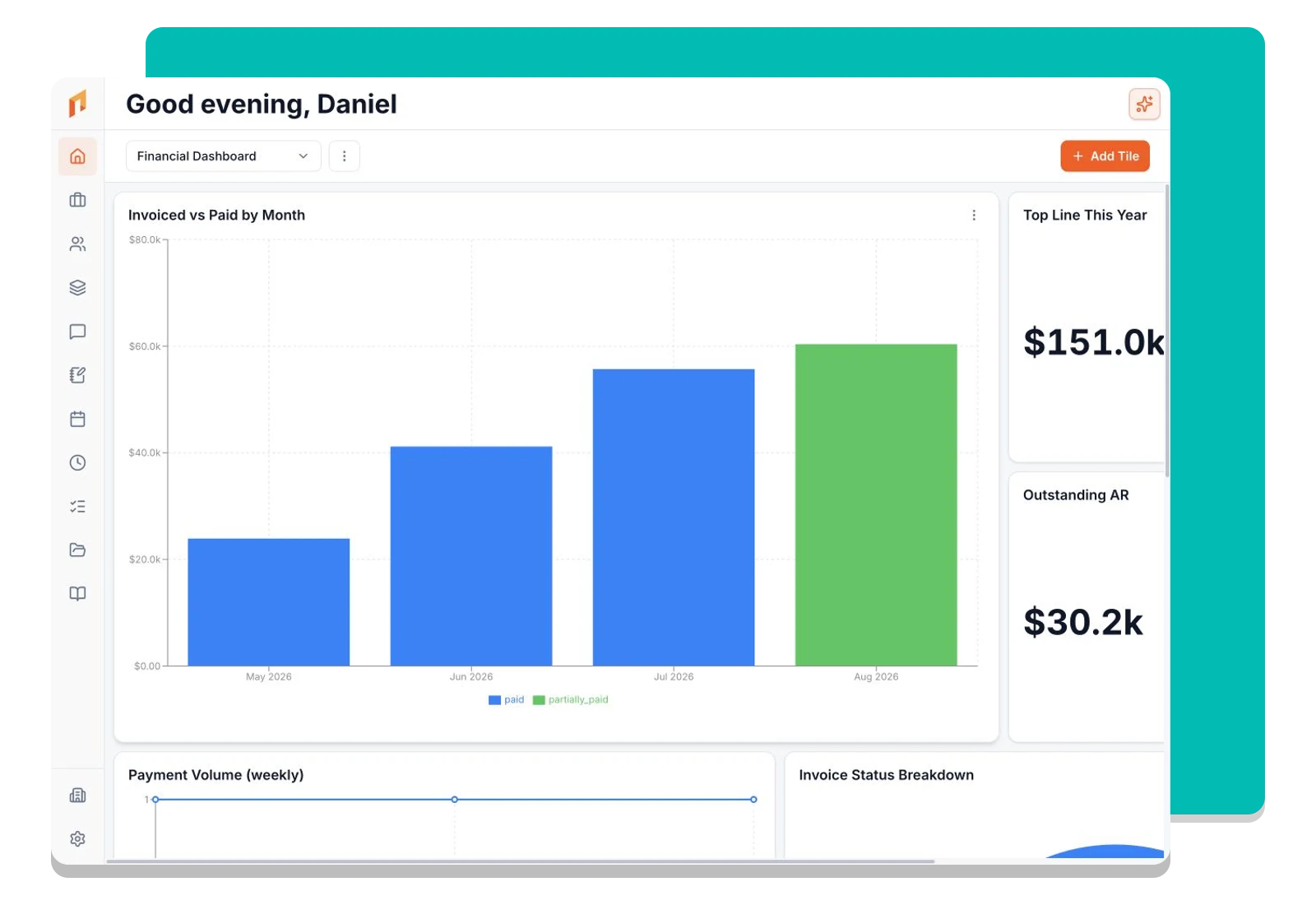
Follow the money across your projects
Use financial dashboards to review receivables, collections, and project costs. Open the underlying records when a total needs a closer look.
Build a dashboard around your decisions
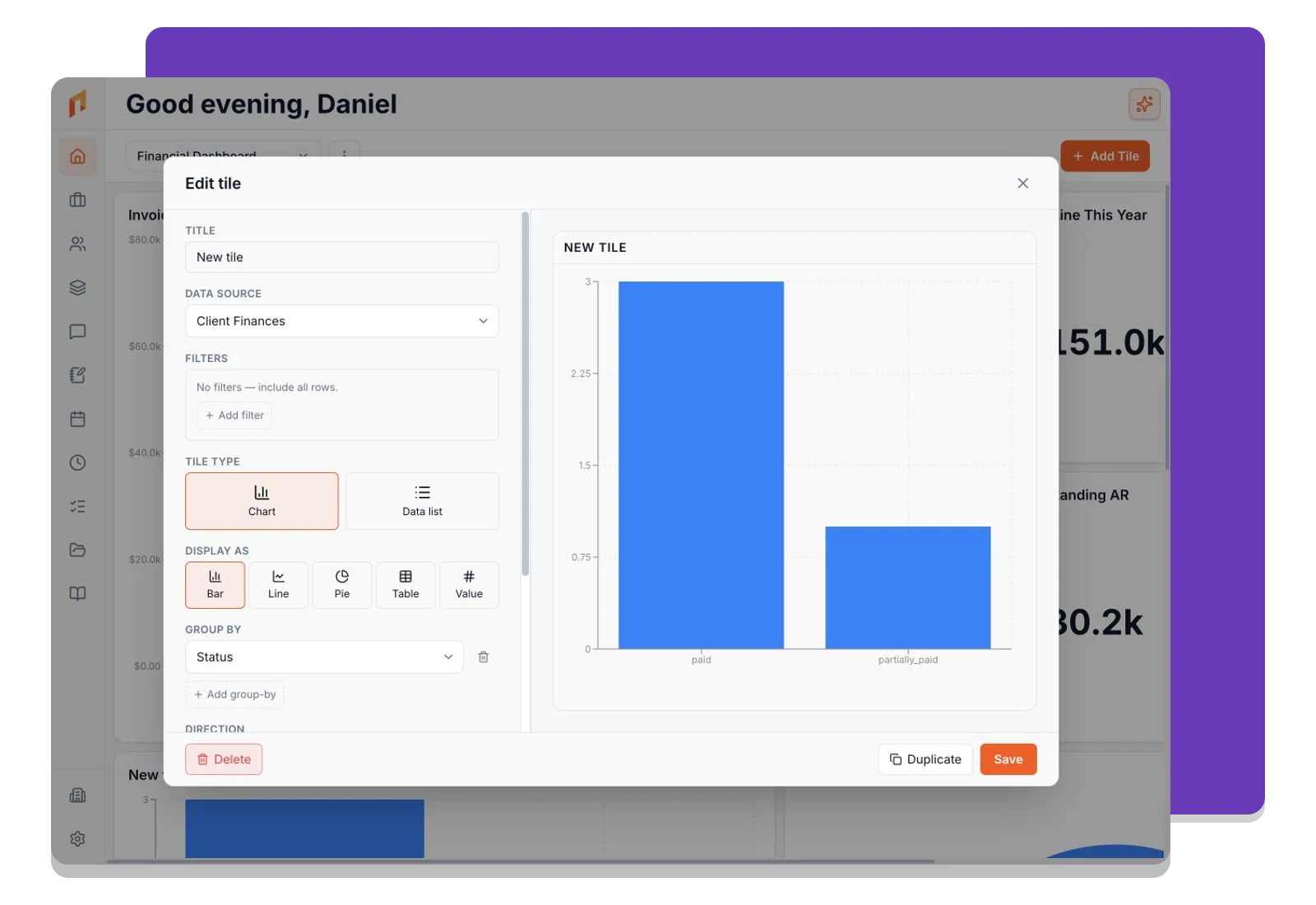
Choose charts, lists, numbers, and maps. Select a data source, set filters, and arrange tiles to give each team the view it needs.
Frequently asked questions
Contractors run their business on Foreman
Real crews, real projects, real results.
“Kind of obsessed with this honestly. Uploaded plans, had the bid out same afternoon, client signed it online that night. This is how it's supposed to work.”
“They are the real deal, and have helped automate most of our roofing business, highly recommend for midsized crews.”
“One of the best software investments we've made for our business. The organization, estimating, and takeoff tools have significantly improved our efficiency and streamlined our workflow.”
One system for the whole project
The estimate, the schedule, the field and the books in one place.
Run the Project
Get started today
Join contractors who’ve put away the spreadsheets and sticky notes.


