

Get the agreement signed where the work already lives
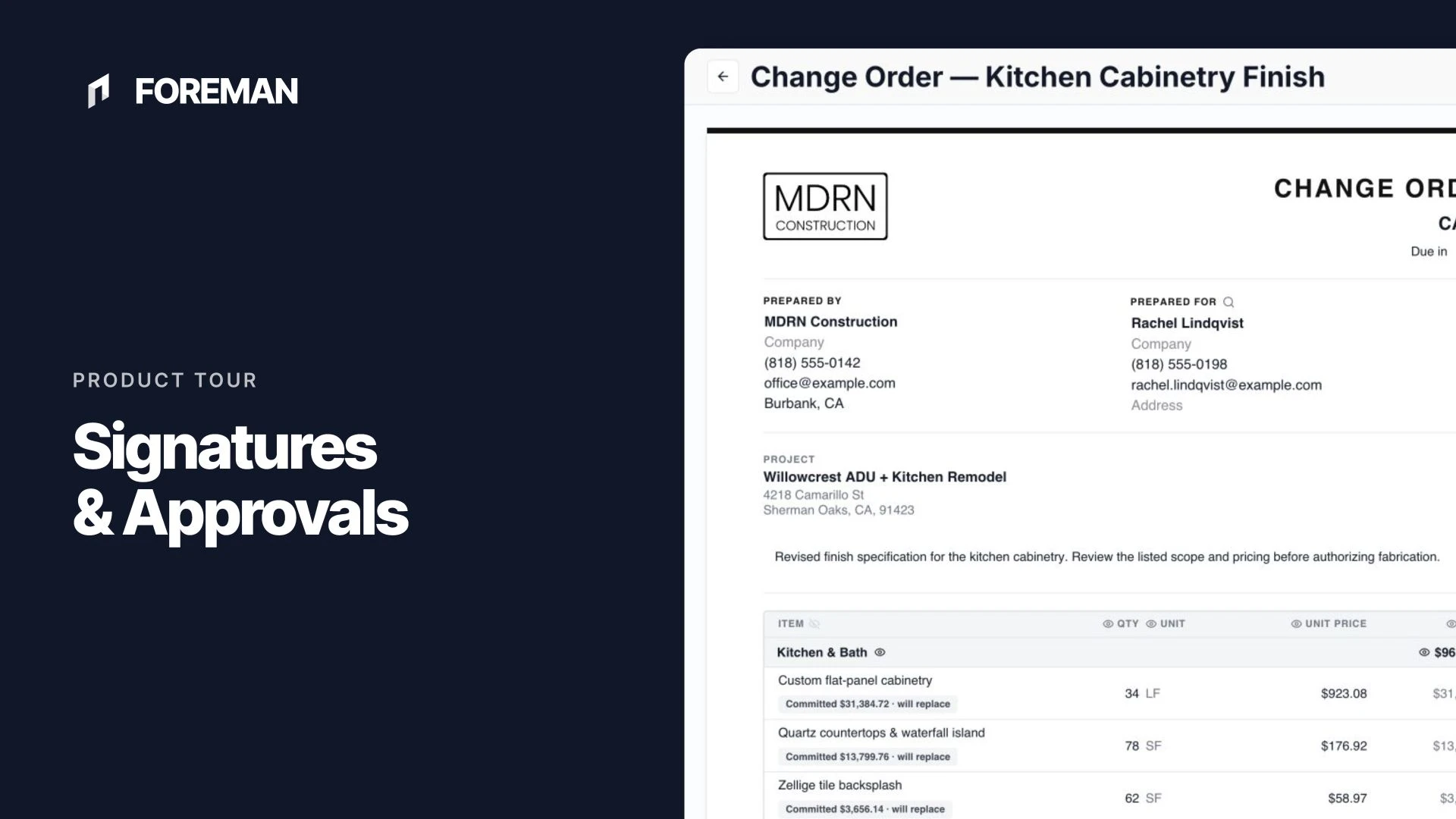
Request signatures as part of your client and vendor agreements. Recipients review and sign from their own device, and the signed record stays with the project in Foreman.
Trusted by contractors across the country



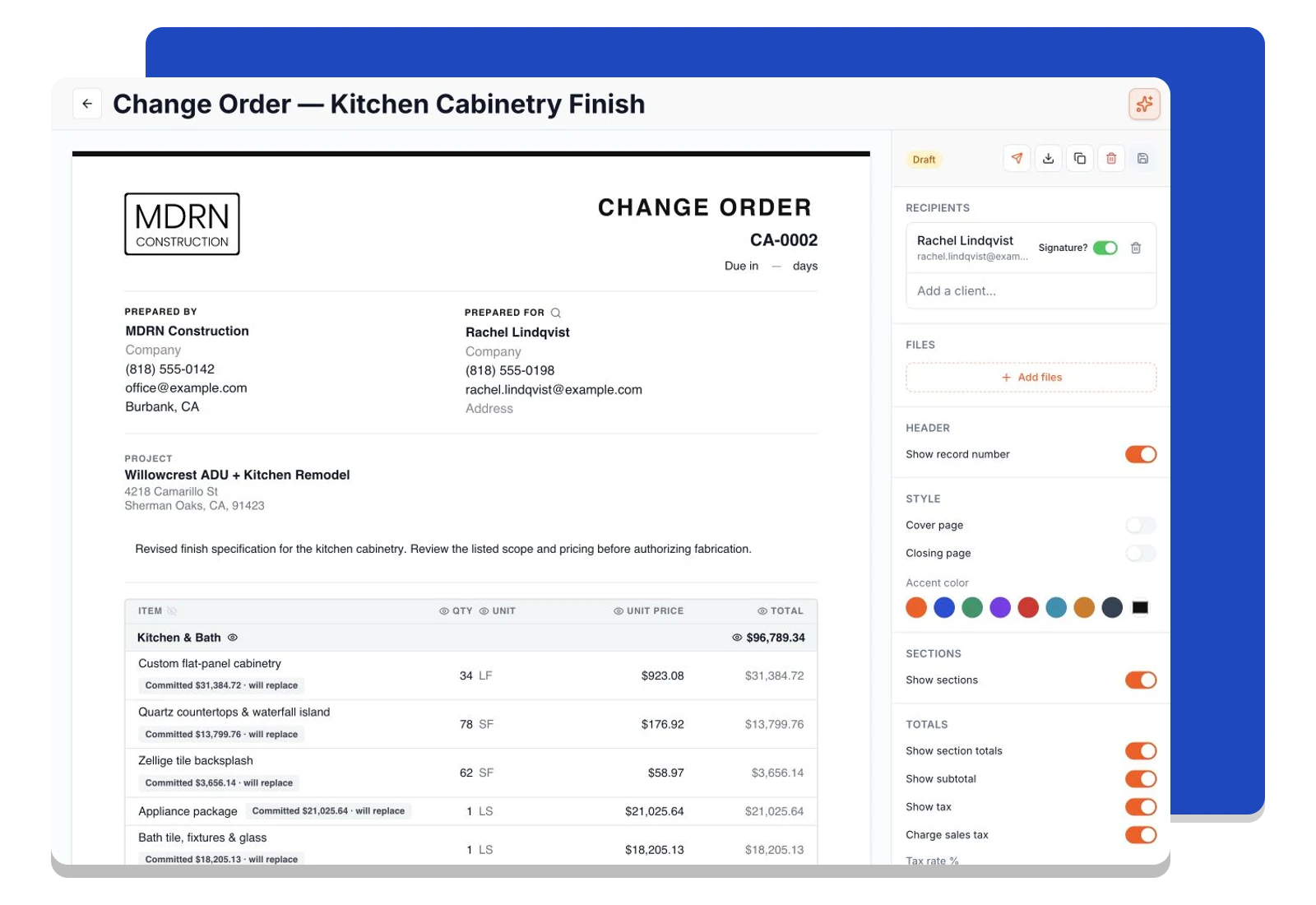
Set the signing requirements with the recipients
Require a signature from the people who need to approve the agreement. Signature blocks belong to the agreement itself, so you can prepare the scope, recipients, and signing requirements in one workflow.
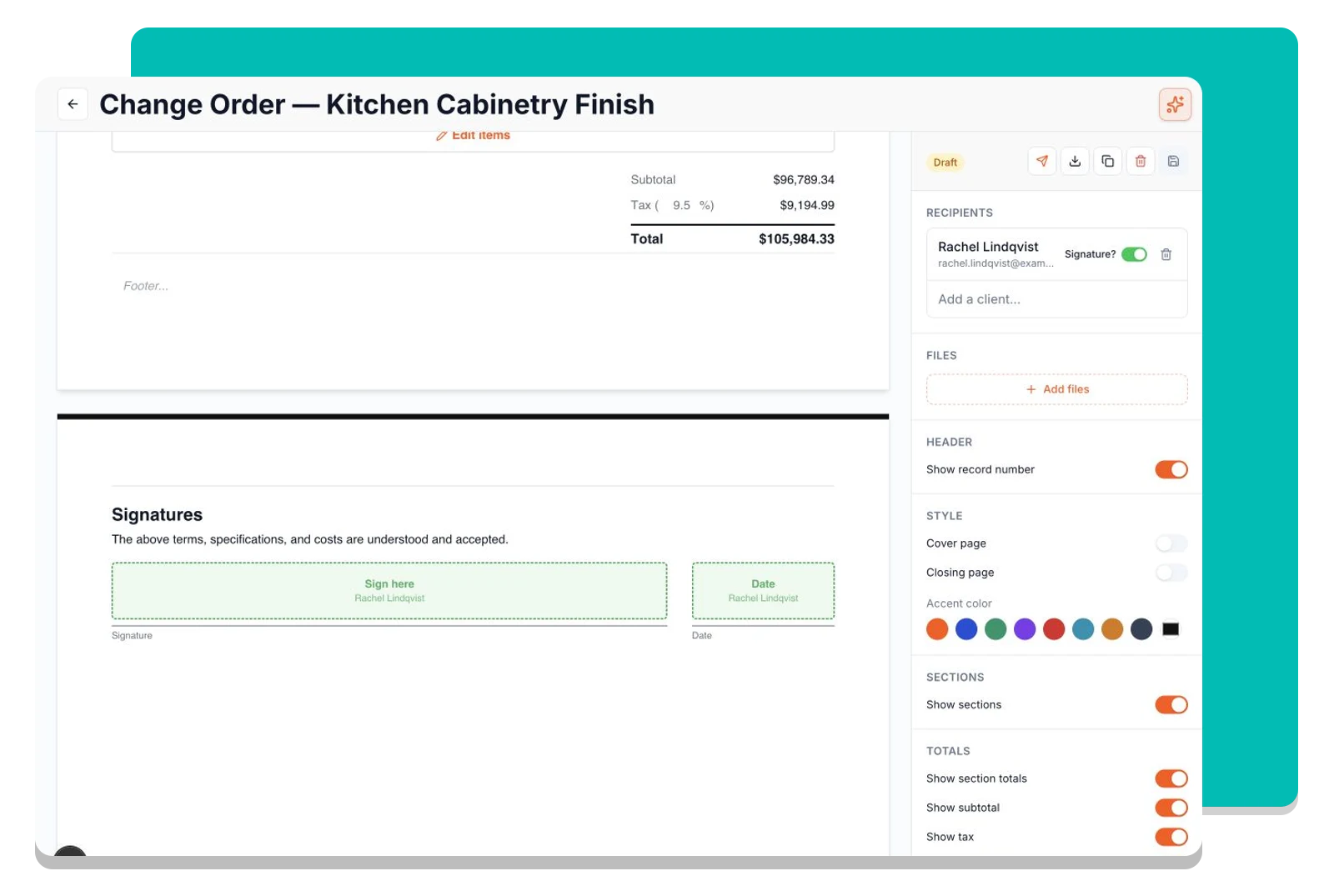
Let recipients draw or type their signature
Recipients open their review link, read the agreement, and complete the signature block on their device. They can draw a signature or use a typed style without installing an app.
See when every required signature is complete
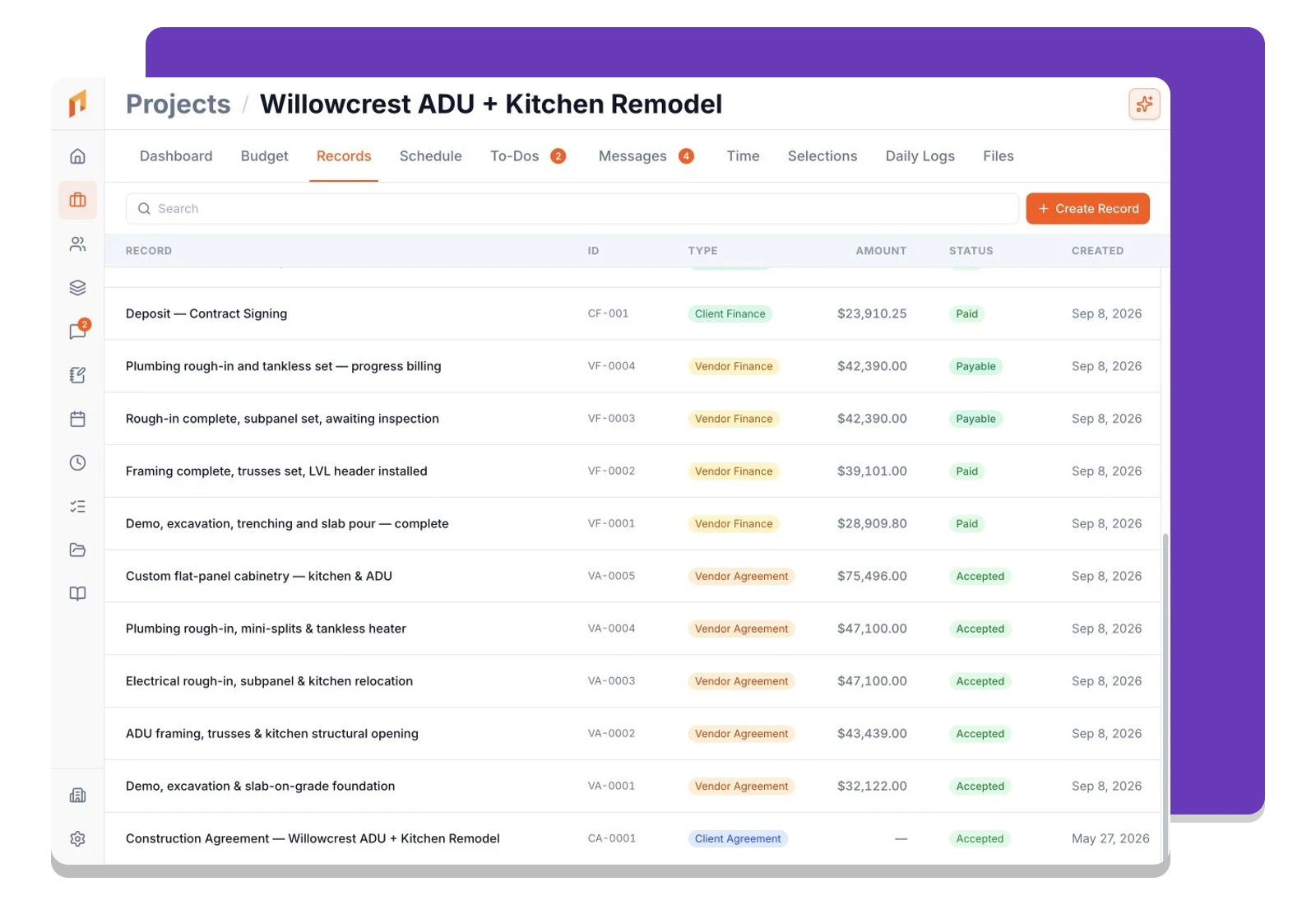
Track each signer’s progress on the agreement. Foreman records the signature and timestamp, and advances the agreement to Accepted when every required signer has completed it.
Frequently asked questions
Contractors run their business on Foreman
Real crews, real projects, real results.
“Kind of obsessed with this honestly. Uploaded plans, had the bid out same afternoon, client signed it online that night. This is how it's supposed to work.”
“They are the real deal, and have helped automate most of our roofing business, highly recommend for midsized crews.”
“One of the best software investments we've made for our business. The organization, estimating, and takeoff tools have significantly improved our efficiency and streamlined our workflow.”
One system for the whole project
The estimate, the schedule, the field and the books in one place.
Win the Work
- Construction CRM
- Budget
- Takeoffs
- Cost Database
- Bid Requests
- Client Agreements
- E-SignaturesThis page
Run the Project
Get started today
Join contractors who’ve put away the spreadsheets and sticky notes.


