ForemanFOREMAN
Scheduling

See the critical path
before it slips.

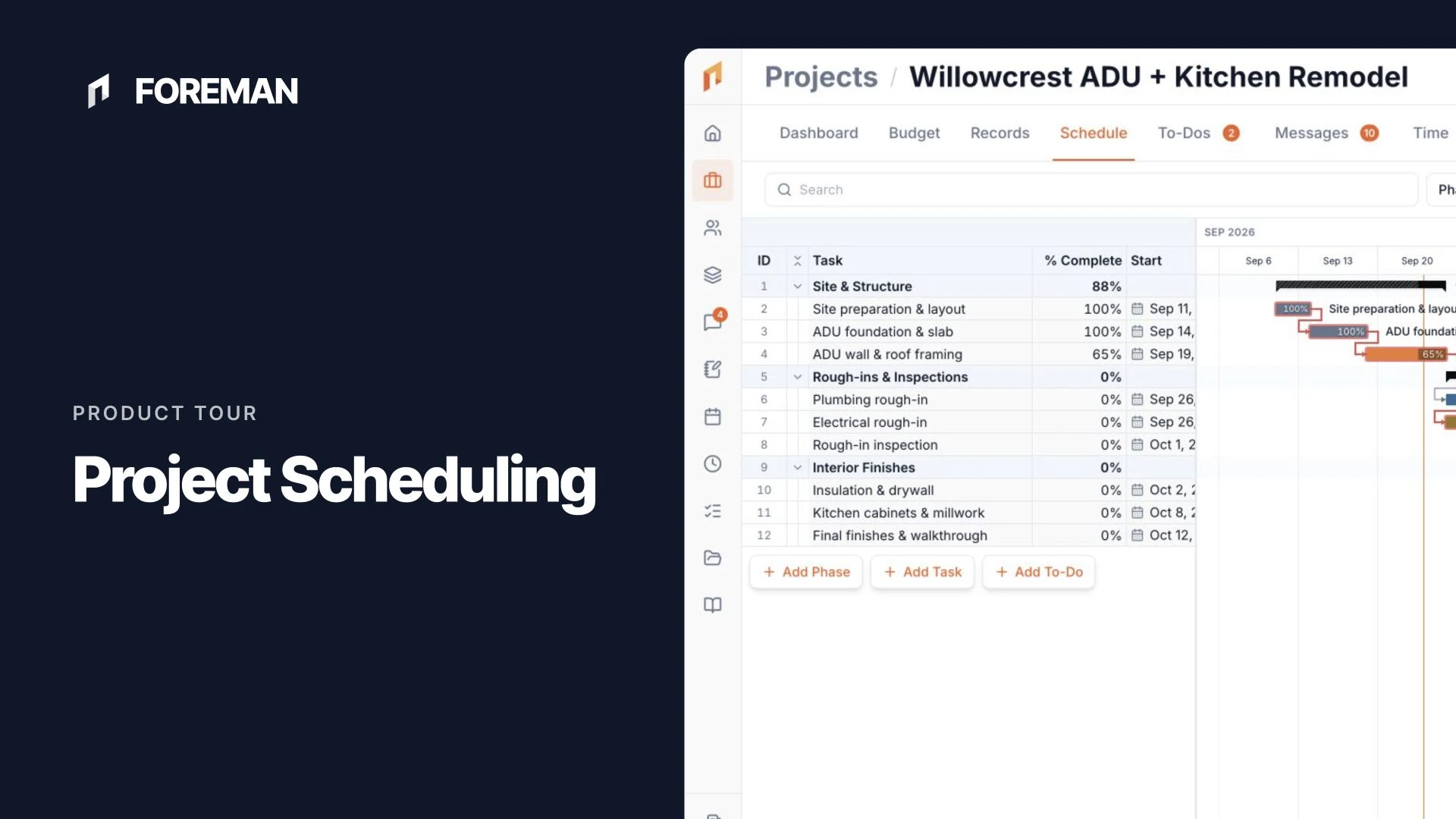
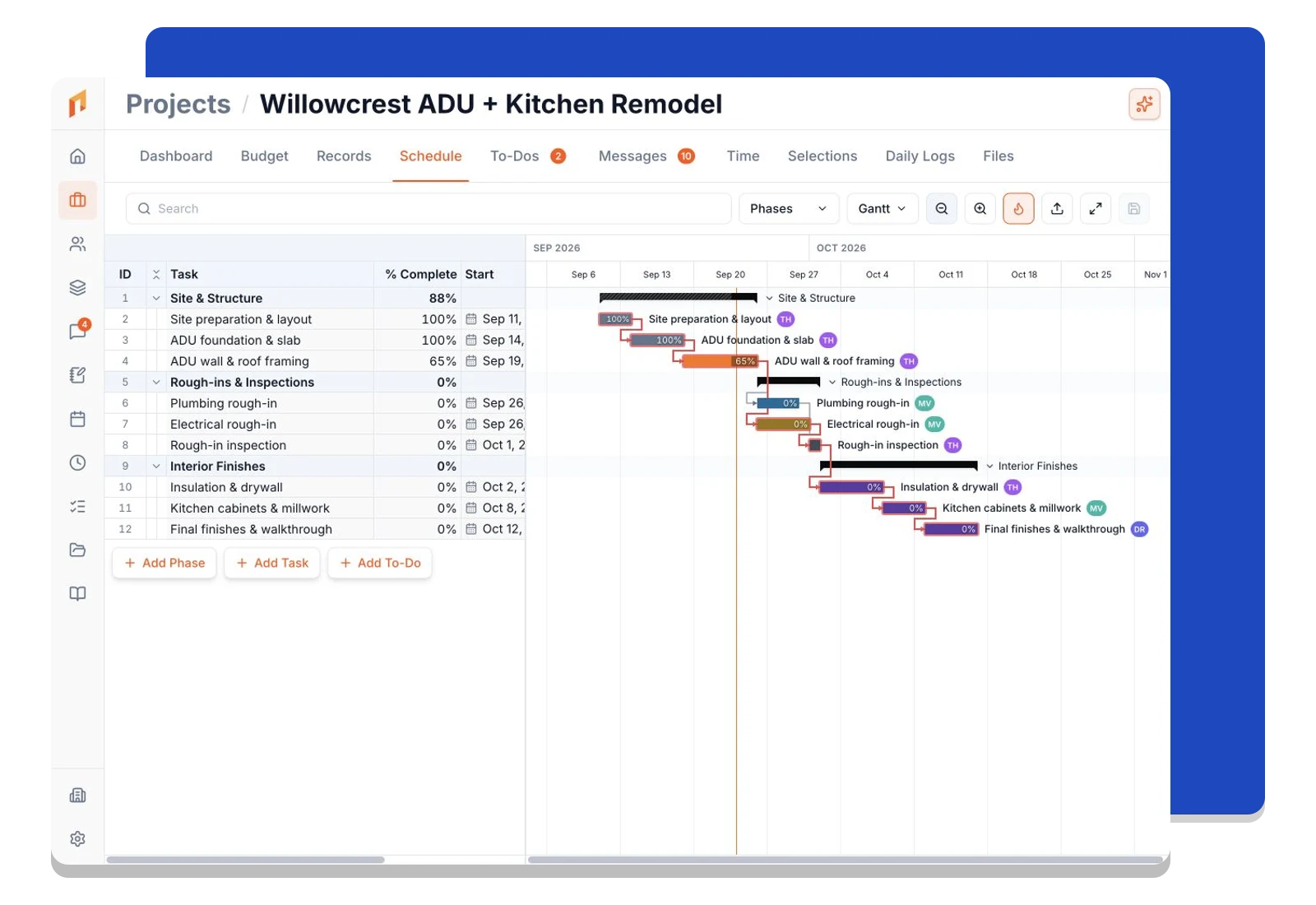
Foreman's Gantt engine runs CPM on every save — highlighting the tasks that will delay your project if they slip, and showing you exactly how much float the rest have. Org-wide or per-project, Gantt or calendar, built for construction.

Gantt · Riverside Addition
GanttCalendar
Phase 1 — Shell
Site Prep
Foundation
Framing
Rough Electrical
Insulation
May 5
May 12
May 19
May 26
Jun 2
Jun 9
Critical path
Slack

Critical path, computed automatically

Every time you save a task or dependency, Foreman re-runs the CPM engine. Critical-path tasks glow red; non-critical bars show their float as a translucent tail — no spreadsheet required.

Four real dependency types

Finish-to-start, start-to-start, finish-to-finish, start-to-finish — each with signed lag days. Drag an arrow between bars to wire a dependency; click the arrow to change its type.

Gantt and calendar, org-wide or per project

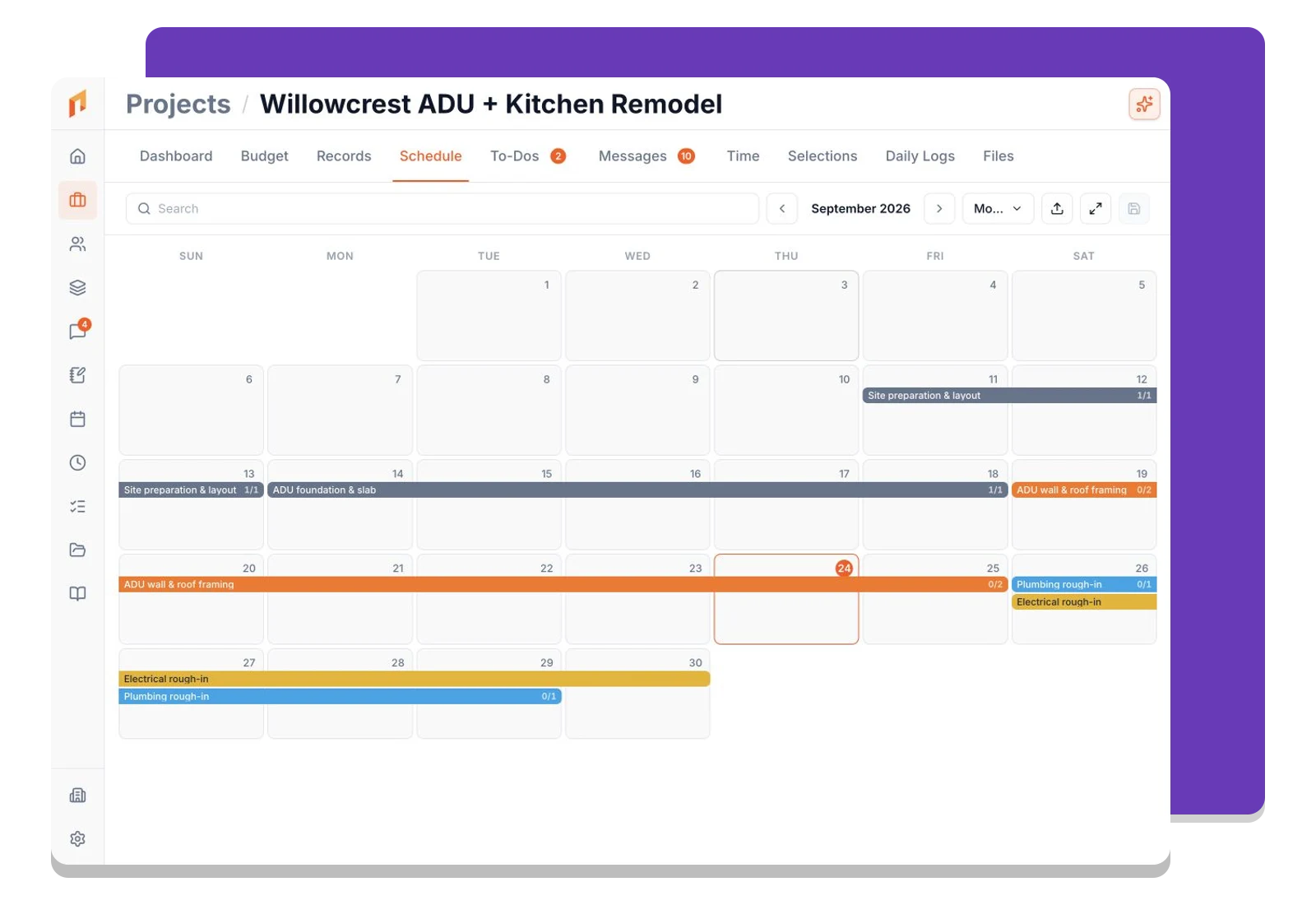
Flip between Gantt and calendar from the toolbar. The org-wide schedule shows every active project in one view; the project schedule tab narrows to a single project.

Critical Path Method

Know which tasks actually control your end date

Foreman runs a forward and backward CPM pass on every list call. Tasks on the critical path — the longest chain from start to finish — render with a red bar and no float. Everything else shows a slack tail so you know how much buffer you have before it becomes critical.

Gantt · Riverside Addition
GanttCalendar
Phase 1 — Shell
Site Prep
Foundation
Framing
Rough Electrical
Insulation
May 5
May 12
May 19
May 26
Jun 2
Jun 9
Critical path
Slack
Dependency Types

All four CPM relationship types, with lag

Most scheduling tools only support finish-to-start. Foreman supports all four: FS, SS, FF, and SF — each with a signed lag (positive delays the successor; negative creates deliberate overlap). Dependency arrows adapt their shape to the relationship type, and a badge like 'SS+2' labels non-default edges mid-arrow.

FS
Finish → Start
B starts after A finishes
+lag
SS
Start → Start
B starts when A starts
+lag
FF
Finish → Finish
B finishes when A finishes
+lag
SF
Start → Finish
B finishes after A starts
+lag
Calendar View & Drag Reschedule

Drag to reschedule — dependents shift with you

Drag any bar left or right to reschedule. When auto-reschedule is enabled on a project, Foreman pushes dependent tasks forward to preserve your dependency relationships — only forward, never pulling dates earlier, so pinned milestones stay pinned.

May 2026
Calendar
M
T
W
T
F
S
S
1
2
3
4
5
6
7
8
9
10
11
12
13
14
15
16
17
18
19
20
21
22
23
24
25
26
27
28
29
30
31
Drag any bar to reschedule — dependents update automatically

How it works

Three steps. That's it.

1

Build your phase structure

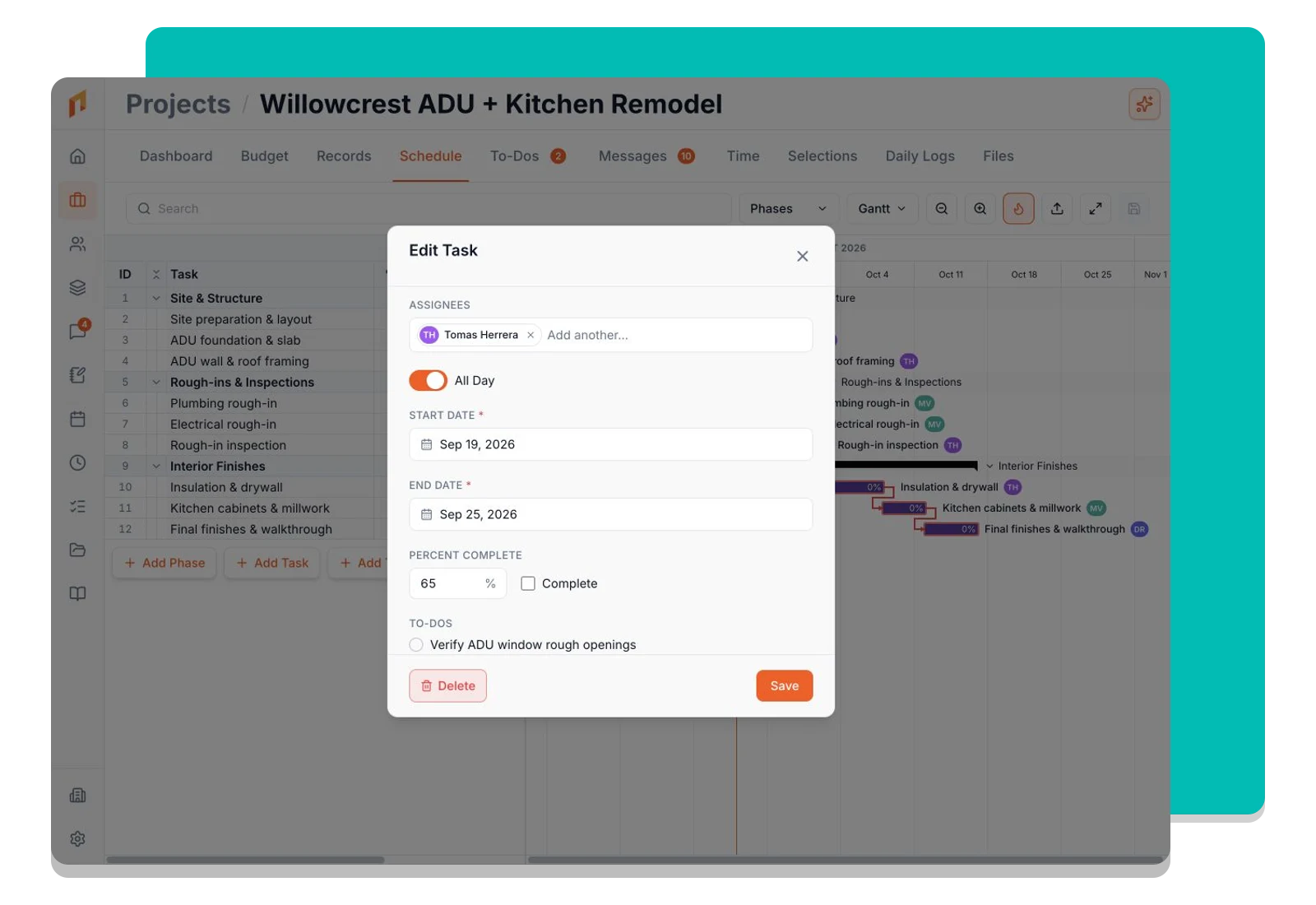
Add task groups (phases) and tasks inside each phase. Assign start and end dates, then wire dependencies by dragging from one bar edge to another.

2

CPM runs instantly

Every save triggers a fresh forward and backward pass. Foreman tells you which tasks are critical, which have float, and what your project's earliest possible finish date is.

3

Stay on schedule across every project

Switch to the org-wide Gantt to see all active projects in one timeline. Filter by project, group by assignee, or flip to calendar to plan the week ahead.

Frequently asked questions

Ready to run your projects from bid to built?

Book a demo to see it on your projects — or start free, no credit card required.