

Know what you owe and where the cost belongs
Bring vendor bills, expenses, and receipts into the project. Code each charge to the budget, approve it for payment, and keep the payment history alongside the original cost.
Trusted by contractors across the country


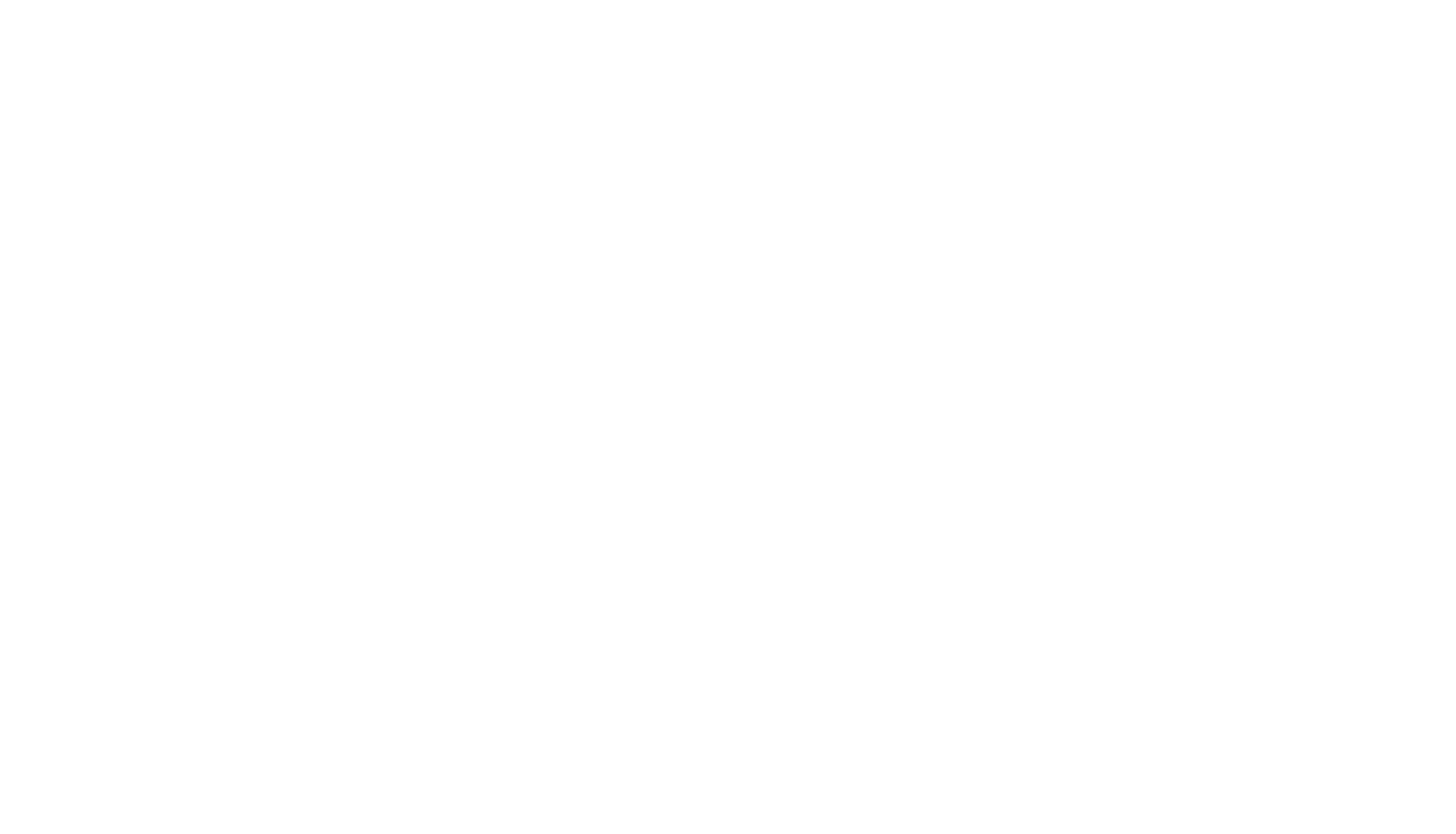





Keep vendor charges together from the start
Find bills, expenses, and receipts in the project's Records list, with their amounts and current statuses. Your team can see which costs still need coding, which are payable, and which have been paid.
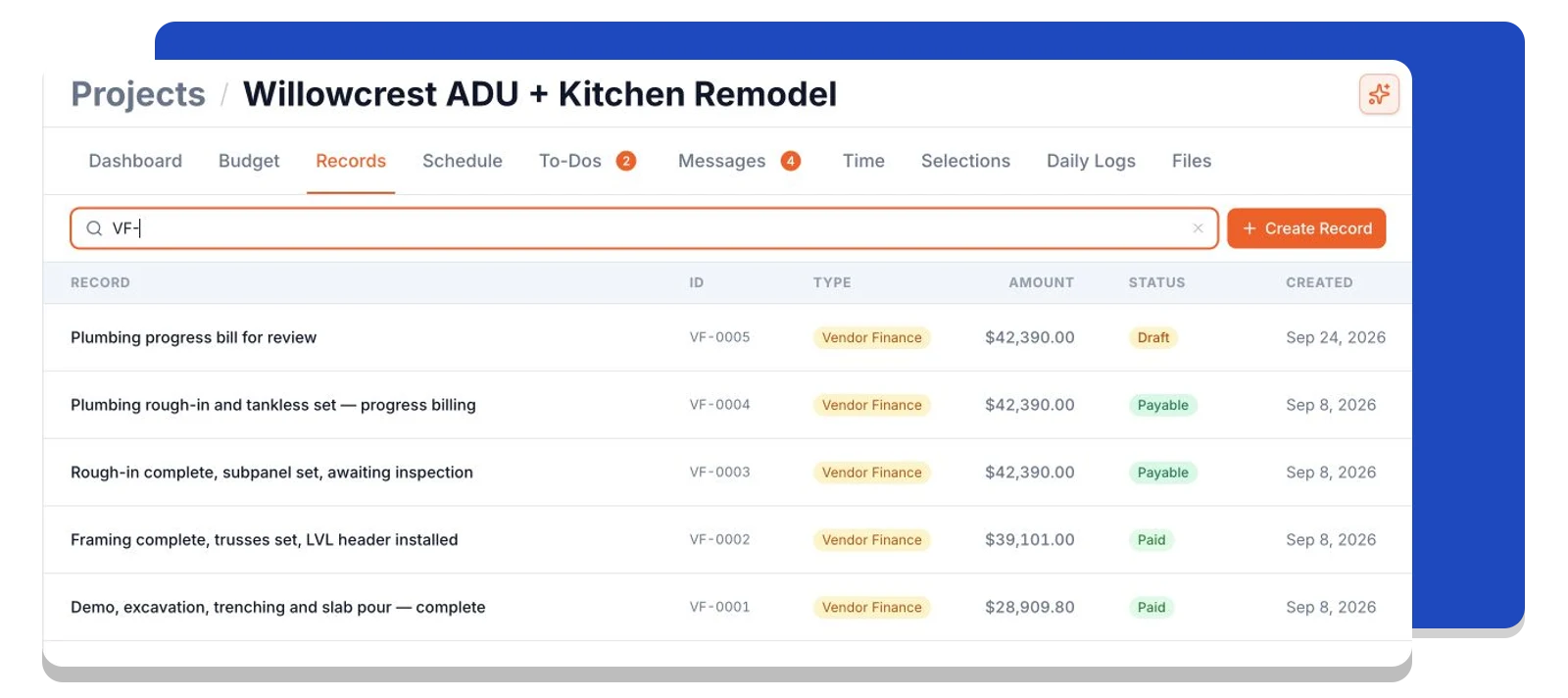
Give every charge a place in the budget
Link the bill's items to the budget lines they belong to. Review the vendor, quantities, pricing, and attached invoice in one record before approving the cost.
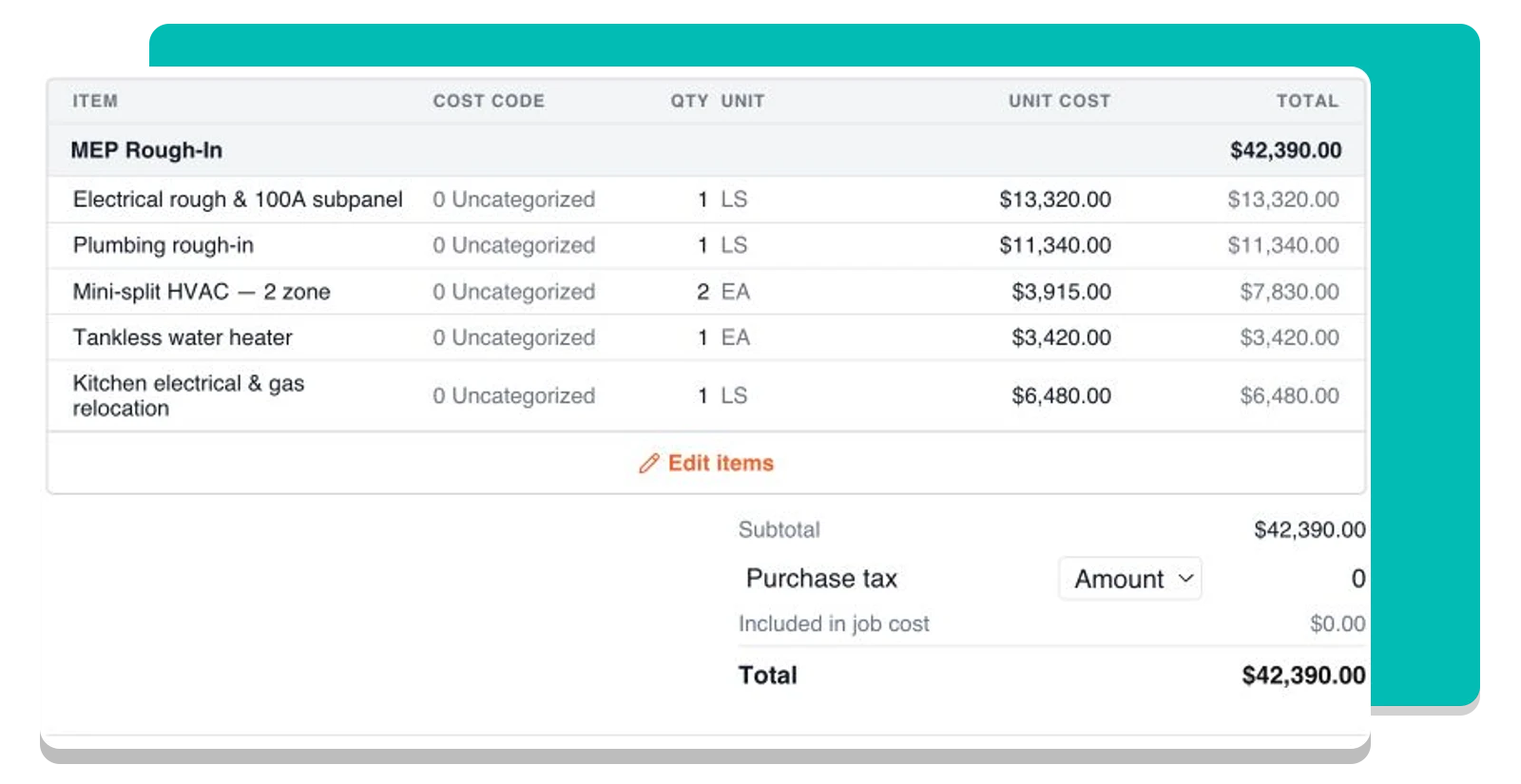
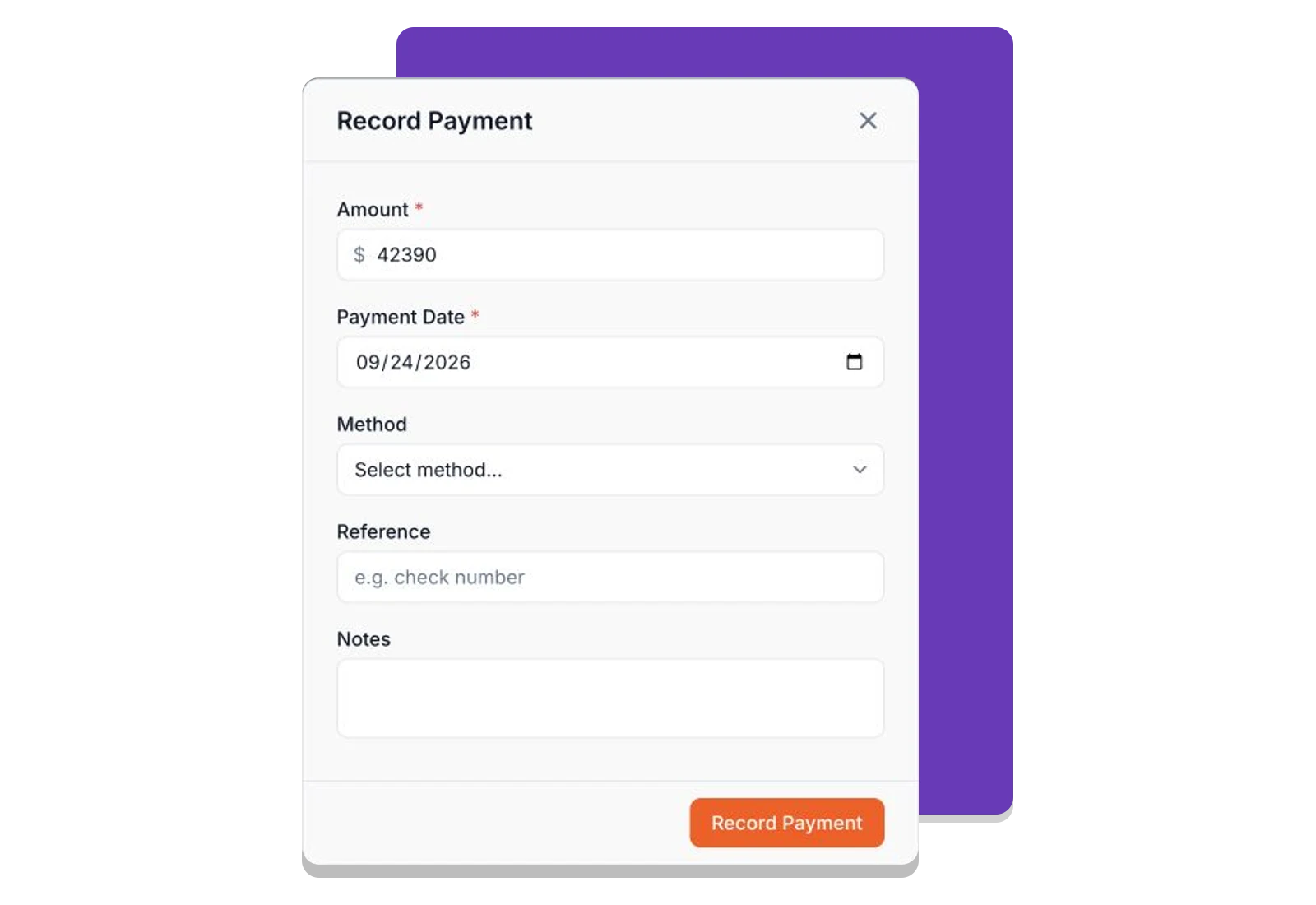
Keep payment details with the vendor bill
Enter the amount, date, and payment method as you pay the vendor, with an optional reference number for reconciliation. Each payment stays attached to its bill, keeping the remaining balance and payment history together.
Frequently asked questions
Contractors run their business on Foreman
Real crews, real projects, real results.
“Kind of obsessed with this honestly. Uploaded plans, had the bid out same afternoon, client signed it online that night. This is how it's supposed to work.”
“They are the real deal, and have helped automate most of our roofing business, highly recommend for midsized crews.”
“One of the best software investments we've made for our business. The organization, estimating, and takeoff tools have significantly improved our efficiency and streamlined our workflow.”
One system for the whole project
The estimate, the schedule, the field and the books in one place.
Run the Project
Get Paid
- Client Finances
- Change Orders
- Purchase Orders
- Vendor FinancesThis page
- Time Tracking
- QuickBooks Sync
Get started today
Join contractors who’ve put away the spreadsheets and sticky notes.


